

Payroll sounds simple. Pay people, on time, for the work they did. In practice, it touches tax law, compliance, HR policy, and finance all at once. One missed deduction or one late deposit can turn a routine pay cycle into a compliance headache.
Most business owners only think about payroll when something goes wrong. A paycheck arrives a day late, a tax filing gets missed, or a new hire’s first payslip has the wrong deductions on it. By the time these issues show up, they have usually been building for weeks, buried in a spreadsheet or scattered across disconnected systems. That is the real cost of payroll: not the salary itself, but the hours spent chasing down errors after the fact.
The good news is that payroll follows a predictable structure once you understand it. It is not a single task but a chain of smaller ones, each feeding into the next. Get the process right, and payroll becomes routine. Get it wrong, and it quietly drains time, money, and employee trust every single month.
This guide breaks payroll down into plain language. You will learn what payroll means, how the payroll management process works, what makes up a paycheck, and the best practices that keep it running smoothly. We will also look at where a connected system like CollabCRM fits into the picture.
Key Takeaways
- Payroll is the total compensation a company owes its employees for a set period, plus every process needed to calculate and pay it correctly.
- The payroll management process runs in three stages: pre-payroll, actual payroll, and post-payroll.
- Payroll includes earnings, allowances, deductions, statutory compliance items, and reimbursements.
- Payroll errors are common and costly. EY found that one in five U.S. payrolls contains an error, and each one costs about $291 to fix.
- Payroll software cuts down manual errors, speeds up processing, and keeps a business compliant as it scales.
- CollabCRM combines payroll with HRMS, work management, ERP, and CRM, so payroll data does not sit in a silo.
What is Payroll? How does it Work?
Payroll is the total amount a company pays its employees for a set period, usually every two weeks or once a month. It covers regular wages, overtime, bonuses, and any other compensation owed for time worked.
The word also describes the process behind that payment. Payroll covers calculating gross pay, applying deductions, withholding taxes, and arriving at the final net amount an employee takes home.
Payroll used to be a manual, spreadsheet-driven task. Today, most businesses run it through dedicated payroll software that automates the math and the compliance checks.
Getting this right matters more than most people assume. A 2022 EY survey of payroll professionals found that each payroll error costs about $291 to fix on average, once you count the time spent on corrections. The same research found that a typical 1,000-employee organization loses close to 29 workweeks a year just fixing payroll mistakes.
The scale of the problem shows up in government data too. The IRS reported assessing approximately $3.5 million Federal Tax Deposit penalties in one analysis, highlighting the financial impact that errors or late employment-tax deposits can have on businesses.
Key Benefits of Effective Payroll Management
Effective payroll management does more than process salaries. It helps businesses maintain accurate records, meet compliance requirements, manage costs, and build employee trust as they grow.
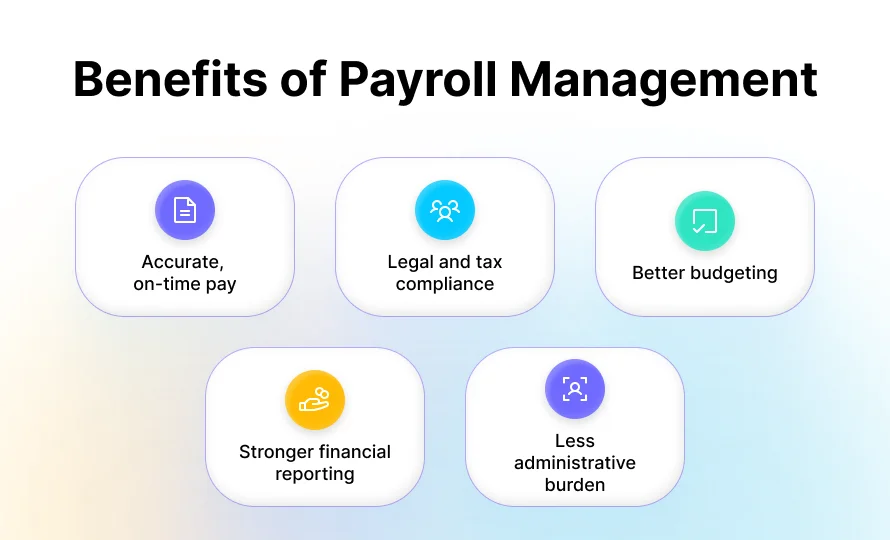
Accurate, on-time pay
Employees get paid the right amount, every time, which builds real trust in the employer. In PayrollOrg’s survey Getting Paid in America, nearly 70% of workers said meeting their financial obligations would be difficult if a paycheck were delayed by even a week.
Legal and tax compliance
Correct payroll processing keeps a business aligned with labor law, tax codes, and statutory filings, which helps it avoid fines tied to missed deposits or misclassified employees.
Better budgeting
Since salaries are usually the largest line item in a company’s expenses, accurate payroll data helps finance teams forecast costs and plan headcount with confidence.
Stronger financial reporting
Clean payroll data feeds directly into accounting, so month-end close and audits move faster.
Less administrative burden
Automating repetitive payroll tasks frees up HR and finance teams for higher-value work instead of manual data entry, which is one of the clearest gains from streamlining HR operations as a company grows.
This is also where the advantages of payroll software become clear. Manual payroll leans on spreadsheets and manual entry, which raises the odds of a mistake at every step. Payroll software automates calculations, applies the latest tax rules, and files statutory returns on schedule, which lowers that risk by a wide margin. Businesses that move from spreadsheets to dedicated software typically see fewer errors and spend far less time on corrections.
What Are the Key Components of Payroll?
A payroll system brings together several elements, including employee earnings, allowances, deductions, statutory contributions, and reimbursements. Understanding each component helps businesses run payroll accurately.
Earnings
- Basic salary: the fixed base pay before any allowance, bonus, or deduction.
- Gross salary: basic pay plus all allowances, before any deductions are applied.
- Net pay: what an employee actually takes home after taxes and other deductions.
Allowances
Allowances add to base pay to cover specific costs. Common ones include house rent allowance, travel or conveyance allowance, medical allowance, and special or performance-linked allowances.
Deductions
Deductions are subtracted from gross pay before an employee is paid. They typically include income tax withholding, retirement or provident fund contributions, health insurance premiums, and any other statutory or voluntary deductions the employee has agreed to.
Statutory Compliance Components
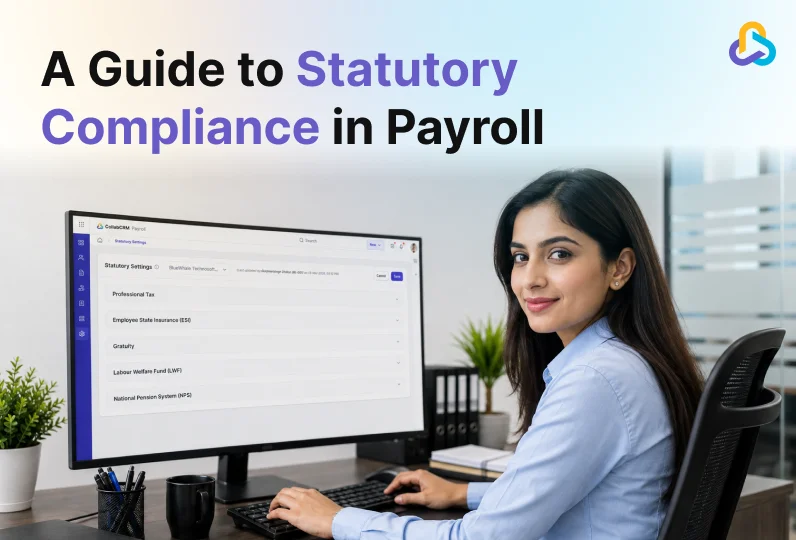
Every payroll cycle has to account for legally mandated contributions and filings, such as tax withholding, social security or provident fund contributions, and any state or local payroll taxes. Missing these is one of the fastest ways to draw a penalty, which is part of why the IRS’s error statistics above carry such a high price tag.
Reimbursements
Reimbursements repay employees for business expenses like travel, client meals, or equipment. They are not treated as taxable income, so they are tracked separately from regular earnings.
What Is the Payroll Management Process?
The payroll management process follows a structured cycle from collecting employee data to calculating pay, processing deductions, disbursing salaries, and completing post-payroll reporting.
Pre-Payroll Stage
This is where policy gets set and data gets gathered.
- Define pay policy: salary structure, leave rules, and benefits.
- Collect inputs: attendance, leave records, new hires, exits, and salary revisions.
- Validate the data before it moves into processing, so errors get caught early.
Payroll Processing Stage
- This is the calculation stage.
- Gross pay is calculated from base salary, allowances, and any variable pay.
- Deductions and statutory contributions are applied.
- Net pay is calculated for every employee on the cycle.
Post-Payroll Stage
- This is where money moves and records get closed out.
- Salaries are disbursed, usually by direct deposit.
- Statutory dues are remitted to the relevant tax and government agencies.
- Payroll is reconciled against the accounting ledger.
- Reports go out to finance and leadership for review.
Running this process by hand gets harder as headcount grows. That is usually the point where a business moves from spreadsheets to dedicated payroll software.

Best Practices for Effective Payroll Management
- A consistent payroll process can reduce errors, improve compliance, and save administrative time. These best practices help businesses keep payroll accurate and easier to manage as they scale.
- Keep a single source of truth. Attendance, leave, and salary data should live in one system, not scattered across spreadsheets and email threads.
- Automate statutory compliance. Tax rates and filing rules change often. Software that updates automatically reduces the risk of a missed deadline.
- Run pre-payroll checks. Validate attendance and new employee data before processing, not after the fact.
- Give employees self-service access. Letting employees view payslips, submit tax declarations, and track reimbursements cuts down on repetitive HR queries, and it’s one of the foundations of building a scalable HR system as headcount grows.
- Reconcile every cycle. Compare payroll output against the general ledger before the books close for the month.
- Audit periodically. A regular review of pay structures and deductions catches drift before it turns into a compliance issue.
What Is Payroll Software and Why Do Businesses Need It?
Payroll software helps businesses manage payroll calculations, employee data, deductions, compliance tasks, and reporting in a more structured way than manual, spreadsheet-based processes.
As a business grows, payroll becomes harder to manage manually. Employee attendance, leave records, new hires, exits, salary changes, deductions, and statutory contributions all need to be checked before payroll is processed.
A payroll system brings these inputs together and reduces the amount of manual data entry involved.
Why Choose CollabCRM for Payroll Management?
If you’re comparing options, CollabCRM regularly comes up in roundups of the best payroll software in India, and here’s why it holds up for IT companies specifically.
Most payroll software solves one problem: paying people. CollabCRM solves that, plus the systems payroll depends on and feeds into.
CollabCRM’s payroll module is built for full statutory compliance, including multi-state professional tax handling, so a business with employees across different jurisdictions can run payroll from a single system without patching gaps manually. Implementation is typically completed in one to two weeks, which keeps the switch from turning into a multi-month project.
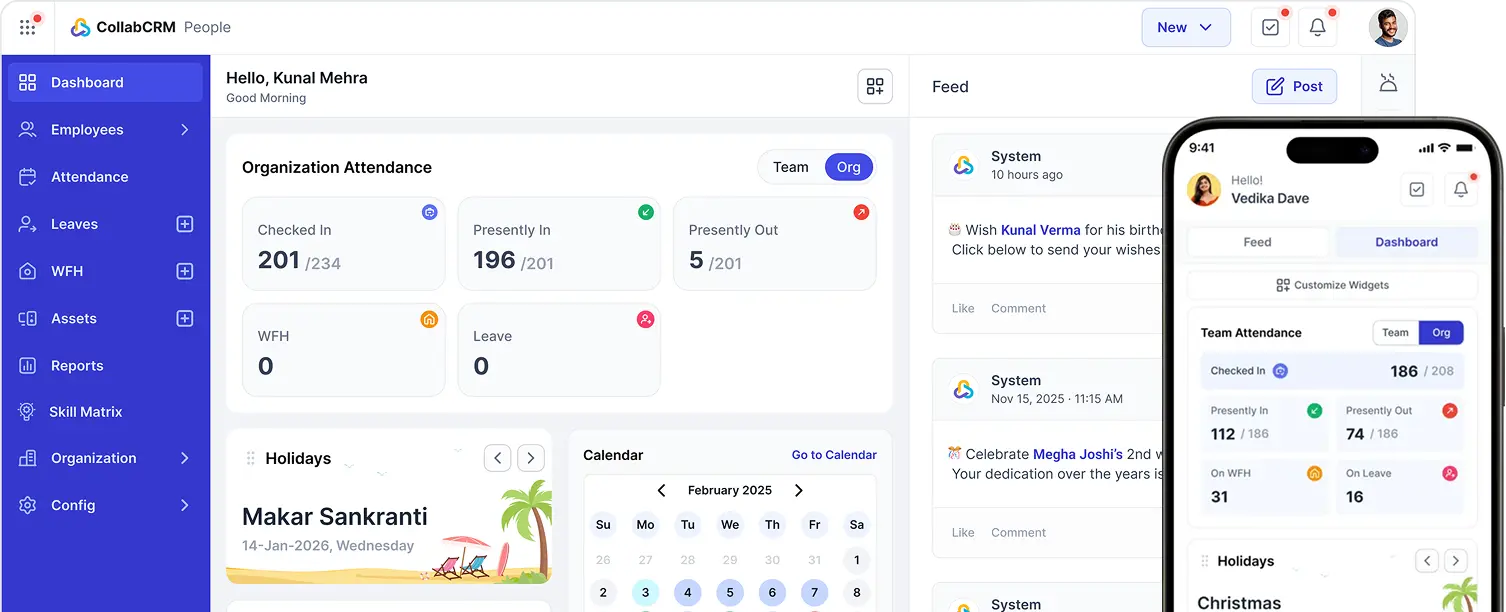
What sets CollabCRM apart is that payroll is not bolted onto a separate tool. It lives inside the same platform as HRMS, work management, ERP, and CRM. It brings work management, HRMS, ERP, CRM, and payroll together under one roof, which is exactly the case for why growing IT teams replace multiple tools with one business OS instead of stitching together five separate vendors.
That means the attendance and leave data feeding payroll comes from the same system employees already use every day, salary cost data flows straight into financial reporting, and HR is not stuck reconciling numbers across five different tools.
For growing IT companies and service businesses, this matters more than it might seem. Payroll rarely happens in isolation. It depends on attendance data, project hours, cost centers, and finance reporting. When one platform handles all of it, payroll stops being a monthly fire drill and becomes one more automated function inside the business.
Final Thoughts on Payroll Management
Payroll is not just a monthly task. It is a system that touches compliance, finance, and employee trust all at the same time. Understanding the process, the components, and the best practices covered here gives any business a solid foundation for running payroll accurately.
The businesses that get the most out of payroll are the ones that stop treating it as a standalone function. When payroll connects to attendance, HR, and finance in one platform, errors go down and the entire operation runs on cleaner data. That is the model CollabCRM is built around.
FAQs
Payroll is the total amount a company pays its employees for a given period, along with the process of calculating and distributing that pay.
It is the set of steps a business follows to pay employees, split into three stages: pre-payroll (policy and data), actual payroll (calculation), and post-payroll (payout, compliance, and reporting).
The main components are earnings (basic salary, gross salary, net pay), allowances, deductions, statutory compliance items, and reimbursements.
Gross pay is total earnings before any deductions. Net pay is what an employee actually receives after taxes and other deductions are subtracted.
It keeps employees paid accurately and on time, keeps the business compliant with tax and labor law, and gives finance teams reliable cost data for budgeting.
Payroll software automates calculations, applies the latest tax rules, reduces manual data entry errors, and speeds up processing time compared to spreadsheet-based payroll.
Most companies run payroll biweekly or monthly, depending on company policy, industry norms, and local labor regulations.
It refers to the legally required contributions and filings tied to payroll, such as income tax withholding, social security or provident fund contributions, and any state or local payroll taxes.
Yes. Even small teams reduce error rates and save processing time by moving from spreadsheets to payroll software, and the compliance risk of manual payroll only grows with every new hire.
CollabCRM combines payroll with HRMS, work management, ERP, and CRM in one platform, so payroll data connects directly to attendance, project costs, and financial reporting instead of living in a separate tool.





 Priority Onboarding