
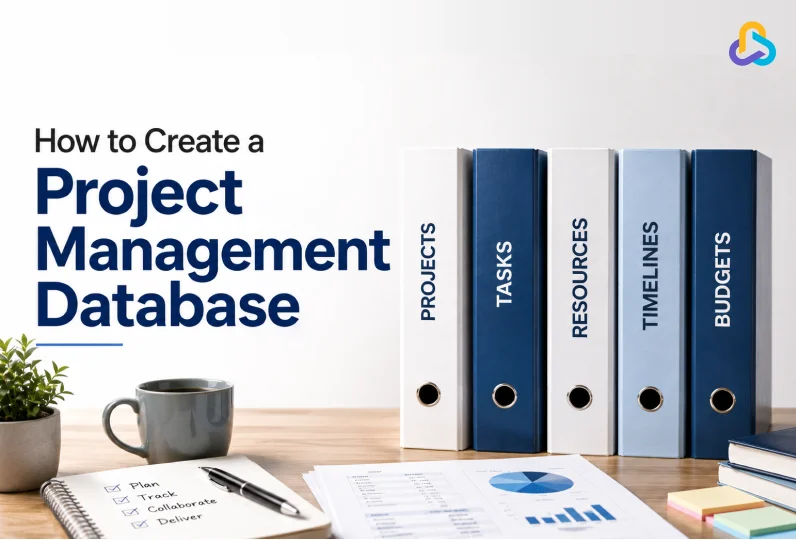
Your project data lives in five tabs, three tools, and one person’s memory. Sound familiar?
Every project manager has opened a spreadsheet at 9 PM, hunting for a number that should take ten seconds to find. Instead, it takes twenty minutes. A tab is broken. Someone overwrote a formula. The “final” version is not final anymore.
This is what happens when a spreadsheet becomes your project management database. It works, until it does not. And it tends to break at the worst possible time, right before a client call or a deadline.
A real project management database fixes this. It gives your team one place to track tasks, resources, budgets, and timelines. No version confusion. No chasing updates over email or Slack. Just one source of truth that everyone can trust.
In this guide, we will walk through what a project management database actually is, why spreadsheets and old-school databases fall short, how to set one up the right way, and the signs that tell you it is time to stop patching your current system and replace it.
Key Takeaways
- A project management database centralizes tasks, resources, budgets, and timelines in one live system, unlike static spreadsheets that need constant manual upkeep.
- Spreadsheets fail at scale because they are fragile, prone to human error, and easy to silo around one person.
- A good database needs structured fields for tasks, resources, time, billing, and reporting, not just rows and columns.
- Setting one up means defining your data needs first, standardizing statuses, tracking resources and time, and building reporting on top, in that order.
- A purpose-built work management platform like CollabCRM combines project tracking, resource planning, timesheets, billing, and reporting into one connected database, eliminating the need for multiple spreadsheets and disconnected tools.
What Is a Project Management Database?
A project management database is a centralized system that stores everything related to your projects: tasks, timelines, budgets, resources, documents, and communication history. Think of it as the single hub where all project information lives and updates in real time.
This is different from a folder full of spreadsheets. A spreadsheet is static. Someone has to manually update it, and if they forget, the data goes stale within a day.
A database updates automatically as work happens. When a task moves from “in progress” to “done,” everyone sees it instantly. No refresh needed, no missing update, no waiting for someone to remember to send the latest file.
It is also different from a traditional database built in tools like Microsoft Access. Those solve some of the version-control problems, but they need specialized skills to build, maintain, and troubleshoot.
Most project teams do not have a database administrator on staff, and they should not need one just to track who is working on what.
Why Spreadsheets No Longer Meet Modern Project Needs?
Spreadsheets seem like an easy starting point. They are familiar, free, and everyone already knows how to use them. But once a project scales past a handful of tasks, problems arise. There are hidden costs of spreadsheets in IT operations.
| By the numbers: – Gartner estimates that poor data quality costs the average organization $12.9 million a year in wasted resources and missed opportunities. Spreadsheets are a major contributor to that problem. – Decades of research tracked by the European Spreadsheet Risks Interest Group (EuSpRIG) show that more than 90% of spreadsheets contain errors, and about half of the spreadsheet models used operationally in large businesses contain defects serious enough to affect real decisions. |
1. They Break Under Their Own Weight
A spreadsheet works fine with ten rows. At five hundred rows, spread across a dozen tabs and cross-referenced with formulas, it becomes fragile.
Filters slow down the speed of processing data. Formulas break when someone inserts a row in the wrong place. One wrong keystroke can wipe out hours of careful work, and there is rarely a clean way to undo it once the file has been saved and reshared.
2. They Invite Human Error
Every manual entry is a chance for a mistake. A missed decimal. A copy-pasted formula that references the wrong cell. A due date typed into the wrong column.
These errors do not announce themselves. They hide quietly until a deadline is missed, a budget overruns, or a client asks a question nobody can answer with confidence.
3. They Create Silos
Spreadsheets tend to live in one person’s inbox or drive folder. If that person is out sick, on leave, or leaves the company, the rest of the team is stuck.
Nobody else knows how the tabs are structured, what the formulas mean, or where the latest version is saved. Project information becomes tribal knowledge instead of shared knowledge.
Traditional databases avoid some of this but bring their own baggage. Building one from scratch is specialist work, and even after launching, someone must manually maintain it, update records, and fix it when it breaks.
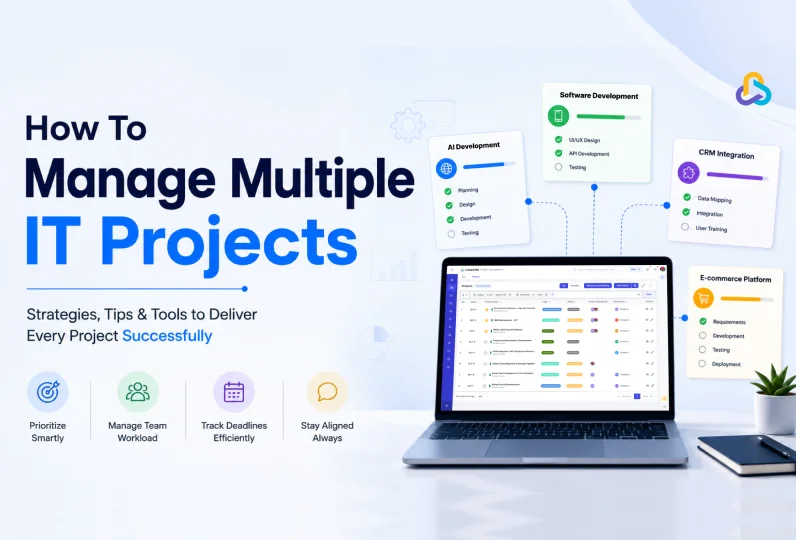
For most project teams, that is time better spent managing multiple IT projects.
Signs It’s Time to Replace Your Project Spreadsheets
Not every team needs to make this switch on day one. A two-person project with a handful of tasks can survive on a spreadsheet for a while.
But certain signs mean you have already outgrown it, even if nobody has said so out loud yet.
- You keep multiple versions of the same file, and nobody is fully sure which one is current.
- Someone has to manually chase teammates for status updates instead of seeing them automatically.
- Resource planning happens in someone’s head rather than in a shared, visible view.
- Billing and timesheet data lives in a separate file from task and project data, so reconciling them takes hours.
- A single person’s absence would leave the rest of the team unable to find or update project information.
- If two or more of these sound familiar, it is a process problem, and not how to choose a collaboration tool.

Spreadsheet vs. Traditional Database vs. Project Management Platform
Choosing the right system depends on your team’s size, project complexity, and collaboration needs. Here’s how spreadsheets, traditional databases, and modern project management platforms compare.
| Feature | Spreadsheet | Traditional Database | Project Management Platform |
| Ease of use | Easy to start | Requires technical expertise | Built for business users |
| Collaboration | Limited and manual | Limited | Real-time collaboration |
| Data updates | Manual | Manual or developer-managed | Automatic and live |
| Task management | Basic | Requires customization | Built-in |
| Resource allocation | Manual | Custom development needed | Built-in |
| Time tracking | Separate sheet | Custom setup | Integrated |
| Budget & billing | Formula-based | Custom development | Built-in dashboards |
| Reporting | Manual | Custom reports | Real-time reporting |
| Scalability | Poor for growing teams | High but complex | High and easy to manage |
| Best for | Small teams or one-off projects | Organizations with dedicated database admins | Growing businesses managing multiple projects |
Spreadsheets are ideal for simple tracking, traditional databases provide structured data storage, and project management platforms combine both with collaboration and reporting to support growing teams.
Essential Features Every Project Management Database Should Include
Before setting one up, it helps to know what “good” looks like. A functional project management database should include, at minimum:
- Project details: name, type, client, key dates, and current status
- Task tracking: what needs to be done, who owns it, how to prioritize tasks, and by when
- Resource allocation: who is working on what, and how much bandwidth they have left
- Time tracking: logged hours against specific tasks and projects
- Budget and billing data: hours purchased versus spent, billing status, remaining balance, and how to manage a project budget
- Documents and notes: contracts, specs, and conversation history in one place
- Reporting: a way to see project health at a glance, not buried behind fifteen filters
If your current setup cannot show you all of this without opening five different files, it is not really a database. It is a collection of documents pretending to be one.
How to Set Up a Project Management Database, Step by Step
A project management database can be set up by identifying your project data, defining a clear structure, organizing workflows, assigning user permissions, and choosing a platform that keeps everything connected.
The goal is to create a single source of truth where your team can plan, track, collaborate, and report without relying on multiple spreadsheets.
Follow these seven practical steps to build a project management database that is organized, scalable, and easy for your team to use.
Step 1: Define What You Need to Track
Start by listing what actually matters for your projects. Do you bill hourly? Fixed cost? Dedicated resources?
Each project type needs different fields: milestones for fixed-cost work, purchased hours for hourly work, contract dates for dedicated hires.
Map this out before you build or configure anything. Skipping this step is the most common reason a new system ends up as messy as the old spreadsheet.
Step 2: Choose a Structured System, Not a Blank Sheet
Pick software built for project data, not a spreadsheet you are forcing into that role.
Look for a tool that lets you define project types, task statuses, and custom fields without writing a single formula, and without needing someone technical on standby every time something needs to change.
Step 3: Standardize Your Statuses and Fields
Decide on your project statuses (Not Started, In Development, Signed Off, and so on) and stick to them across every project.
Do the same for task statuses, document types, and project roles. Standardization is what makes reporting possible later. Without it, every project manager tracks things a little differently, and your reports stop meaning anything.
Step 4: Set Up Resource and Time Tracking
Your database should track who is working on what, and how much time they are spending. This means daily allocation entries, timesheets, and a clear view of who has bandwidth and who does not.
Without this, resourcing decisions are guesswork, and overloaded team members tend to stay invisible until they burn out or miss a deadline.
Step 5: Build Reporting on Top
Once your data is structured and consistent, reporting becomes automatic instead of a weekly chore.
You should be able to pull occupancy summaries, timesheet reports, and billing status without exporting a single file to Excel first.
Step 6: Control Access
Not everyone needs to see everything. Set access levels so your team sees what is relevant to their role, and clients see only what you choose to share, ideally through a live link rather than a static file that goes out of date the moment you send it.
Step 7: Migrate and Maintain
Import your existing project and team data using bulk upload tools rather than retyping everything by hand. Once you are live, keep the system updated in real time.
This is easier than it sounds when the tool updates itself based on actual logged work, rather than relying on someone to remember a manual entry.
Common Mistakes to Avoid When Building a Project Management Database
- Trying to replicate your old spreadsheet exactly. This just recreates the same tabs, the same formulas, and the same fragility inside a new tool, without fixing anything.
- Skipping standardization. If every project manager uses different statuses or naming conventions, reporting falls apart the moment you try to compare projects side by side.
- Ignoring resource data. Task tracking without resource allocation and resource utilization tells you what is late, not why it is late, or who has room to help.
- Overcomplicating access controls from day one. Too many permission layers slow adoption and frustrate the team before they have even used the system once. Start simple and add complexity only when you actually need it.
- Migrating everything at once without a trial run. Moving years of project history in one go, with no test period, makes it hard to catch structural mistakes before they spread across every record.
How CollabCRM Brings Your Project Database to Life
CollabCRM goes beyond project management to give your team a complete work management system. Instead of juggling spreadsheets, standalone trackers, and disconnected tools, it brings projects, people, resources, timesheets, billing, invoices, recruitment, and reporting together in one centralized platform.
Its built-in project database helps you organize project records, manage tasks, allocate resources, track time, monitor budgets, generate reports, and collaborate in real time. With role-based access, configurable workflows, and live dashboards, your team always works from a single source of truth.
Conclusion
Spreadsheets got project teams this far. But they were never built to be a project management database, and the cracks tend to show up right when you can least afford them: mid-project, mid-deadline, mid-client call.
A real project management database does not ask your team to maintain it by hand. It runs in the background, updating as work actually happens, so your reports are accurate the moment you open them. Whether you build that system step by step using the approach above, or start with a platform that already has it built in, the goal stays the same: one place, one source of truth, and no more spreadsheet chaos.
FAQs
A project management database is a centralized system that stores and connects all project-related information, including tasks, timelines, team members, documents, budgets, and progress reports. Unlike spreadsheets, it updates in real time, supports collaboration, tracks task dependencies, automates workflows, and provides live dashboards. While spreadsheets are useful for recording data, a project management database is built to manage the entire project lifecycle.
A business should consider replacing spreadsheets when projects become difficult to track, multiple teams collaborate on the same work, reporting becomes time-consuming, or version control issues occur frequently. If managers spend more time collecting updates than managing projects, a centralized project management database can improve visibility, accountability, and operational efficiency.
A well-structured project management database should include:
Project details and objectives
• Tasks and subtasks
• Team members and responsibilities
• Milestones and deadlines
• Task dependencies
• Project documents and files
• Time tracking
• Budget information
• Risk and issue logs
• Status updates and performance reports
Having these elements in one place helps teams make faster, more informed decisions.
A project management database gives every stakeholder access to the same real-time information. Team members can update task statuses, share files, assign work, communicate within tasks, and monitor progress without relying on emails or spreadsheets. This reduces miscommunication, eliminates duplicate work, and helps everyone stay aligned throughout the project.
Yes. A project management database helps reduce delays by tracking deadlines, highlighting task dependencies, sending automated reminders, and providing real-time visibility into project progress. Managers can quickly identify bottlenecks, reassign resources, and address risks before they affect delivery timelines.
IT companies should look for features that support complex project delivery, including:
-Task and milestone management
-Resource allocation
-Kanban boards and project timelines
-Time tracking
-Team collaboration
-Document management
-Project dashboards and reporting
-Role-based access control
-Integration with CRM, invoicing, and communication tools
These features help manage multiple client projects efficiently from a single platform.
Yes. A modern project management database can consolidate project planning, task management, team collaboration, document sharing, reporting, and workflow automation into one platform. This reduces the need to switch between multiple tools, improves data consistency, and gives teams a single source of truth for project execution.
Start by defining your project structure, including projects, phases, tasks, and milestones. Assign roles and responsibilities, establish standardized workflows, connect task dependencies, centralize project documents, and create dashboards for tracking progress. Using dedicated project management software makes this process significantly easier and more scalable than building a spreadsheet-based system.
Managing projects solely in spreadsheets can lead to outdated information, version conflicts, limited collaboration, manual reporting, missed deadlines, and poor visibility into project performance. As projects and teams grow, these limitations make it harder to manage resources, track progress, and make timely decisions.
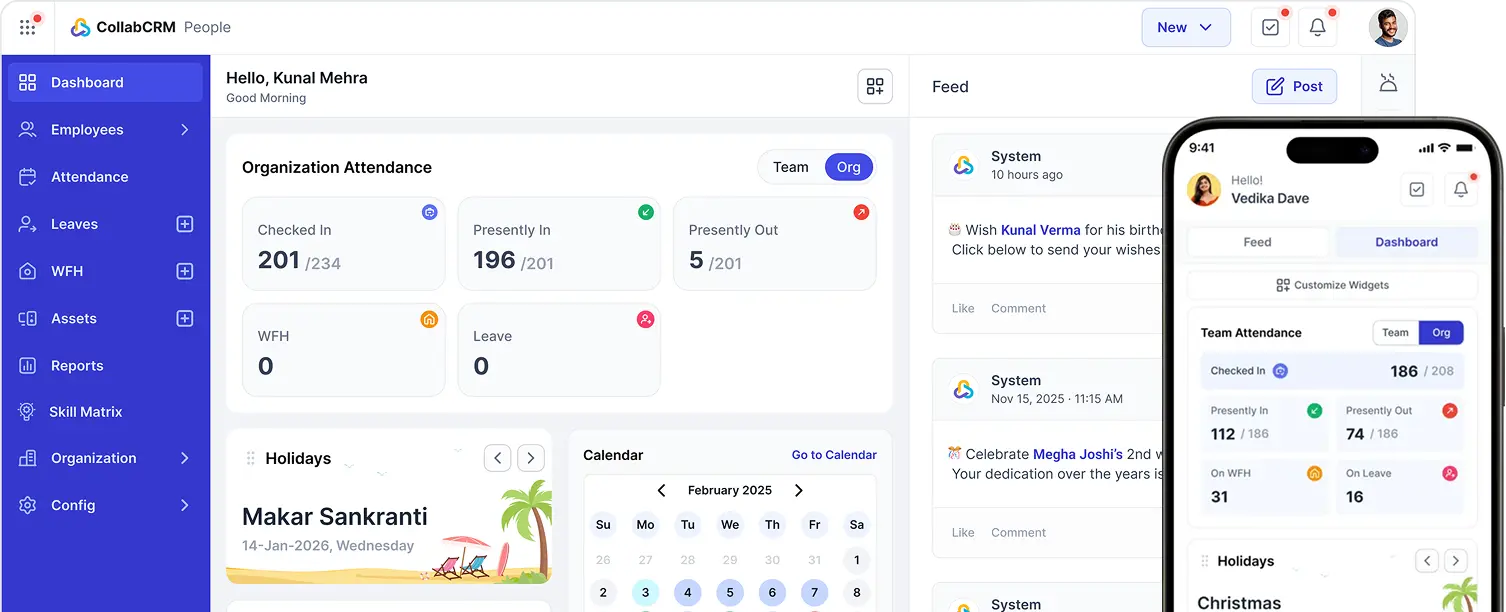
CollabCRM provides an all-in-one workspace where teams can manage projects, tasks, milestones, timelines, documents, resource allocation, timesheets, and reports from a single platform. Instead of maintaining multiple spreadsheets and disconnected tools, businesses gain real-time visibility into project progress, improve collaboration, automate routine processes, and make data-driven decisions with integrated dashboards and reporting.





 Priority Onboarding