





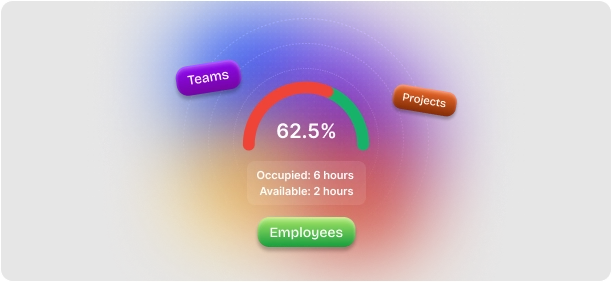
Real-Time Visibility
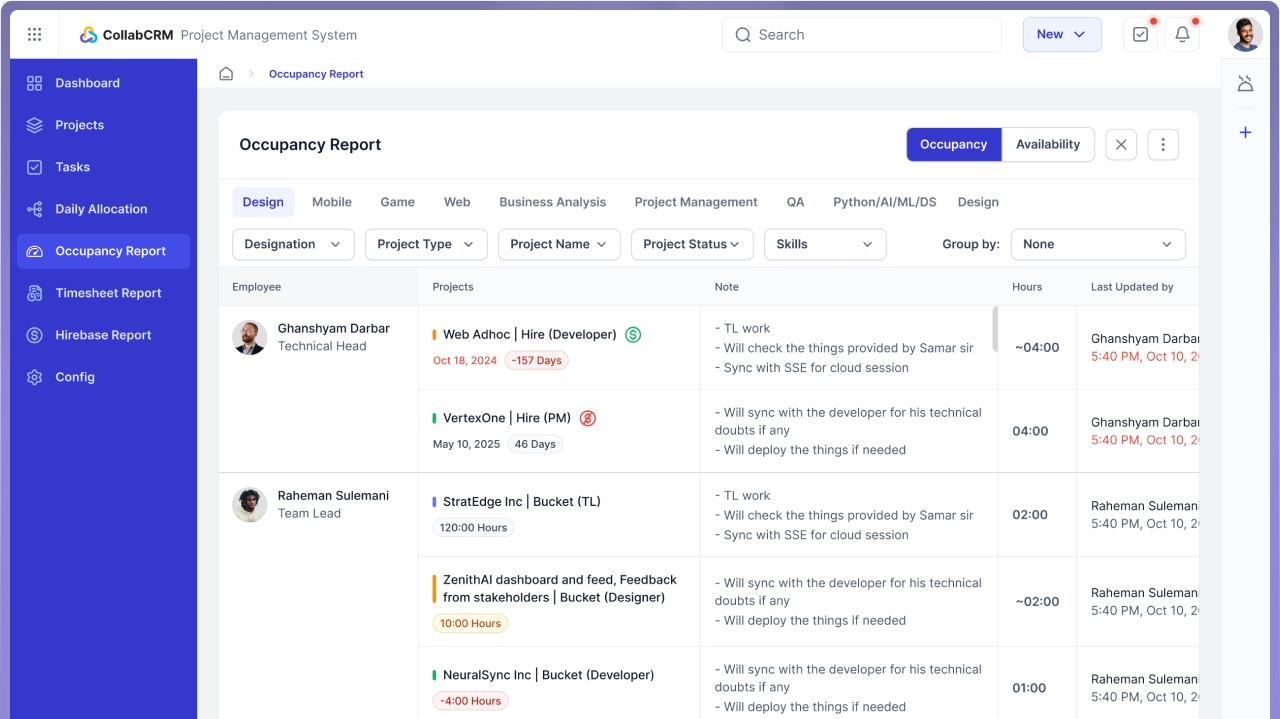
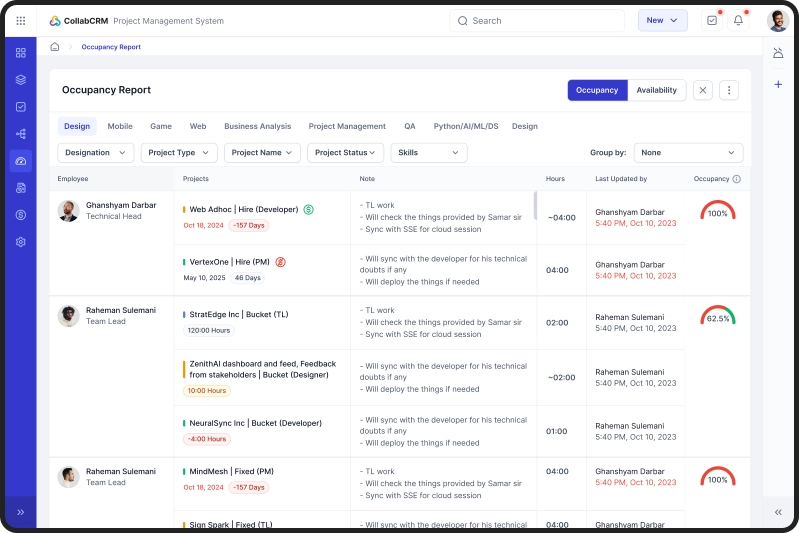
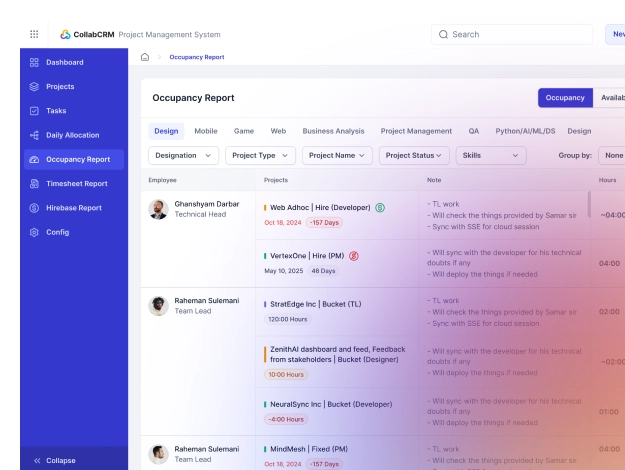
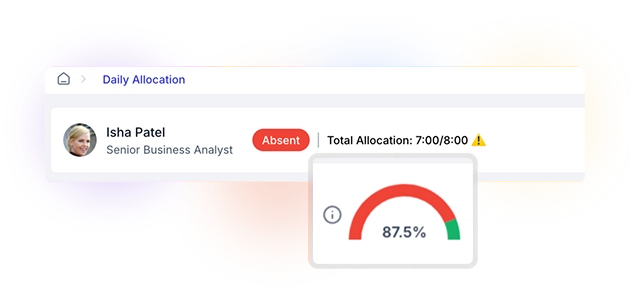
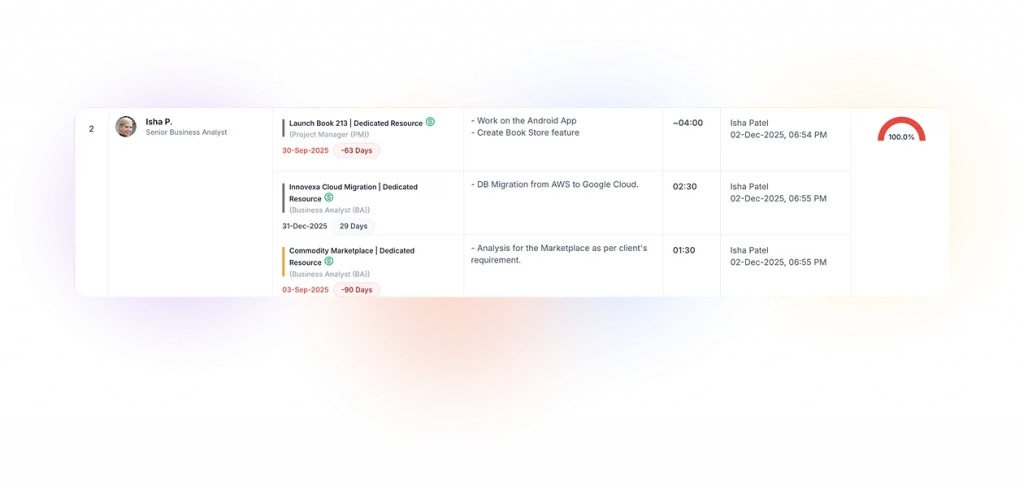
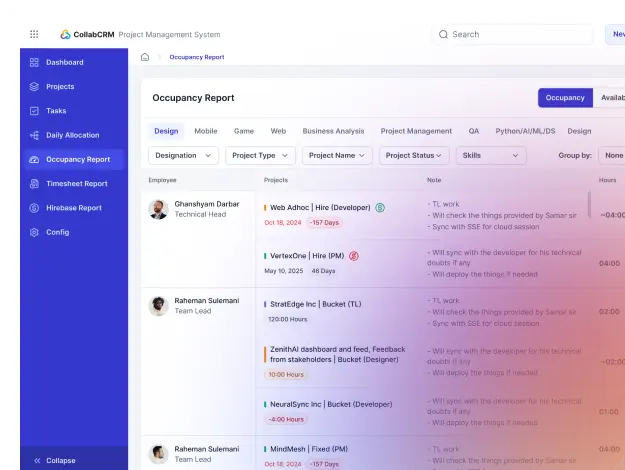
View live occupancy insights across employees, teams, and projects; all in one place.

Workload Balance
Avoid resource burnout and idle hours by identifying workload distribution issues instantly.

Utilization Optimization
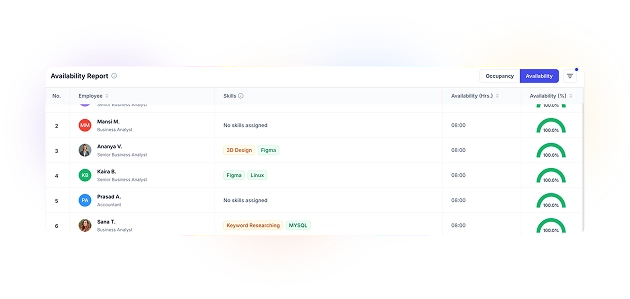
Pinpoint unused bandwidth and reassign tasks to improve efficiency.

Data Driven Hiring
Receive early capacity signals to plan hiring, training and subcontracting decisions strategically.
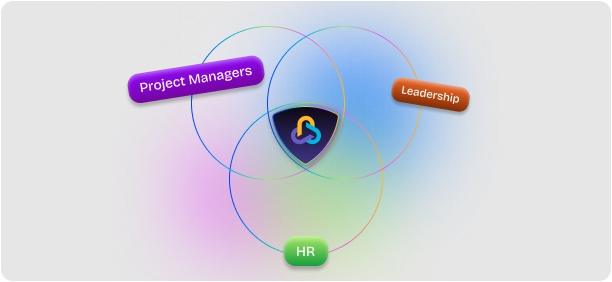
Cross-Functional Alignment
Bring HR, leadership and project managers on the same page with unified occupancy intelligence.

Exclusive Feature
No other project management system offers such a comprehensive, real-time occupancy report.

Project Managers

HR & Operations Teams

Business Owners & Leadership

Project Managers
Instantly identify overloaded or underutilized team members.
Assign new projects based on actual availability and not assumptions.
Maintain on-time delivery with balanced resource distribution.
HR & Operations Teams
Track workforce utilization and detect hiring needs early.
Align hiring or training decisions with actual workload data.
Improve workforce ROI by optimizing allocations.
Business Owners & Leadership
Get a 360° view of workforce utilization across departments.
Spot patterns in capacity use to forecast business growth.
Make data-backed staffing and delivery decisions.
CollabCRM gave us the visibility we desperately needed. From tracking resource utilization to identifying revenue leaks, it changed how we manage operations. We now make smarter decisions backed by clear data instead of guesswork. It’s helped us save time, reduce costs, and focus on scaling the business rather than firefighting daily problems.
As a software development company, we struggled with fragmented processes: managing recruitment, project allocations, and invoicing across multiple tools. CollabCRM brought everything together in a clean, efficient way. Now we can easily track candidate progress, allocate resources based on real-time availability, and get instant insights into our financial flow. It has become the backbone of our operations.
We operate across three service lines, and managing them used to feel like running three separate companies. CollabCRM changed that. One system, one login, and complete visibility across every unit. It’s the first time we’ve had this level of operational clarity without the complexity.
CollabCRM gave us the visibility we desperately needed. From tracking resource utilization to identifying revenue leaks, it changed how we manage operations. We now make smarter decisions backed by clear data instead of guesswork. It’s helped us save time, reduce costs, and focus on scaling the business rather than firefighting daily problems.
As a software development company, we struggled with fragmented processes: managing recruitment, project allocations, and invoicing across multiple tools. CollabCRM brought everything together in a clean, efficient way. Now we can easily track candidate progress, allocate resources based on real-time availability, and get instant insights into our financial flow. It has become the backbone of our operations.
We operate across three service lines, and managing them used to feel like running three separate companies. CollabCRM changed that. One system, one login, and complete visibility across every unit. It’s the first time we’ve had this level of operational clarity without the complexity.

Director, Spiral Technolabs

CEO, Jiyosoft

Managing Partner
Director, Spiral Technolabs
CEO, Jiyosoft
Managing Partner



How does the Occupancy Report help me forecast revenue more accurately?


The Occupancy Report shows real-time utilization and upcoming workload capacity, helping you estimate delivery timelines, project throughput, and team bandwidth. This directly improves revenue forecasting by aligning capacity with pipeline and sales projections.
Can this report help me identify whether I am overstaffed or understaffed?
Yes. By showing both unused bandwidth and overload patterns, the system highlights when you need to scale the team or when existing resources are enough. It prevents unnecessary hiring and supports strategic scaling.
Will this give me a 360° view across multiple departments or business units?
Absolutely. You can track occupancy across teams, projects, business units, and locations, giving leadership a consolidated, organization-wide visibility on how efficiently the workforce is being used.
How does CollabCRM ensure accuracy in occupancy data without manual inputs?
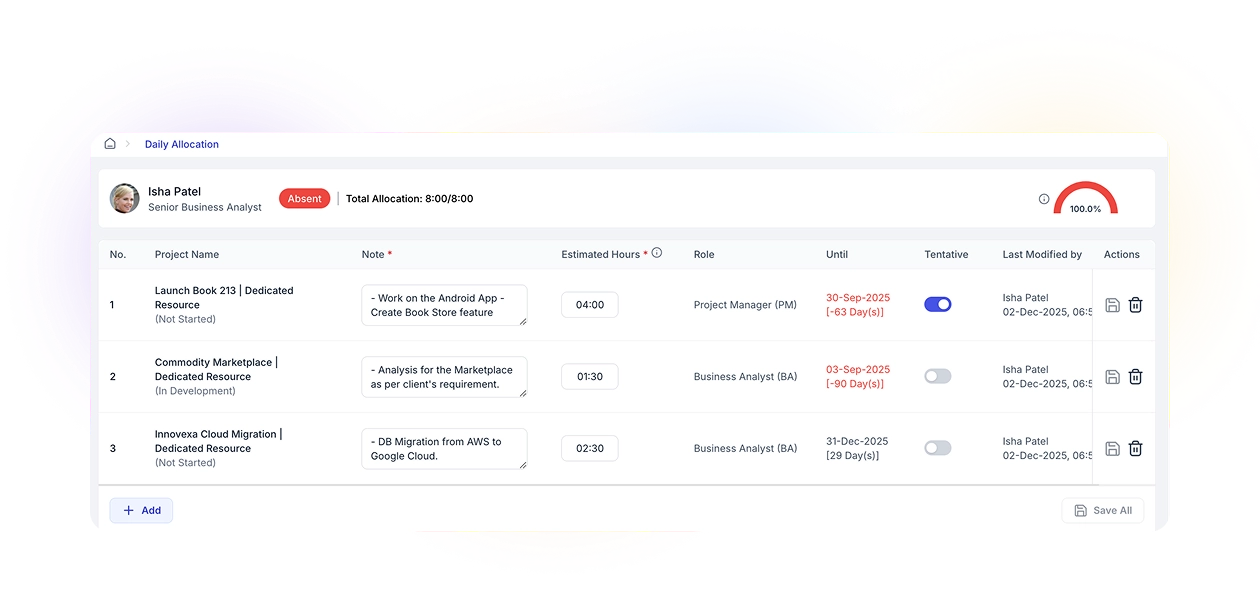
Occupancy insights come from Daily Allocation entries and real-time project hours. Since it’s part of the same ecosystem, the system auto-updates data without spreadsheets, manual logs, or third-party tools, ensuring reliable, consistent accuracy.
Can the Occupancy Report help me make decisions about new project intake?
Yes. Leadership can instantly see whether the organization has the bandwidth to take on new projects, needs to hire, or must reorganize resources. It reduces risk, avoids overcommitment, and improves delivery confidence.
How does the Occupancy Report differ from standard workload trackers?
Unlike static reports, CollabCRM’s Occupancy Report updates automatically using Daily Allocation data, giving real-time visibility into every resource’s workload.
Can it show utilization across multiple projects or teams?
Yes. You can filter occupancy by project, department, or employee to get tailored insights.
Does it help in workforce planning or hiring?
Yes. The report highlights under- or over-capacity trends, helping leadership make strategic hiring or reallocation decisions.
Is it designed only for technical teams?
It’s optimized for technical teams but flexible enough to track any department’s resource utilization.